How to Check an SSL Certificate: A Complete Guide for Website Owners
By Super Admin · Aug 30, 2026 · 5 min read
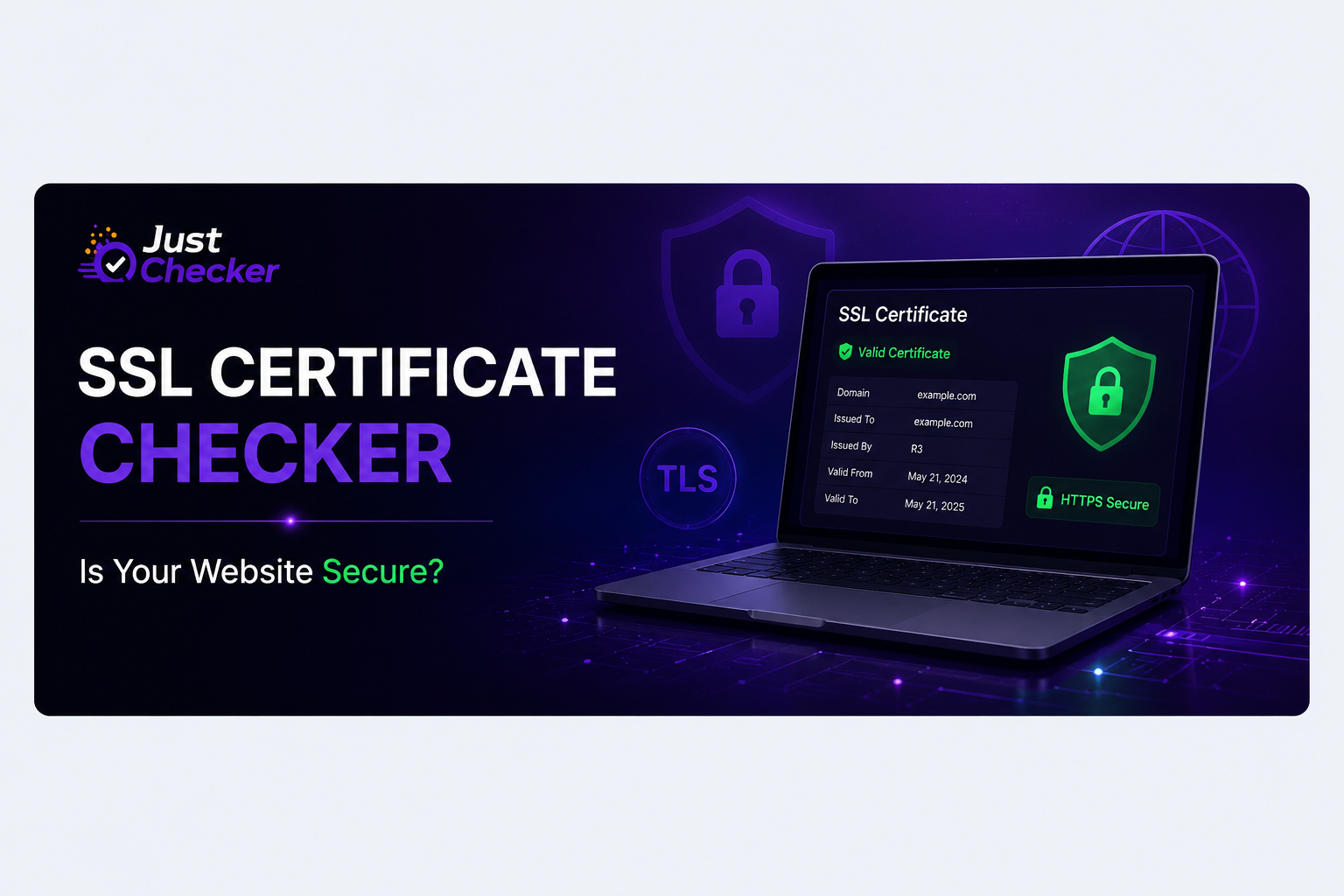
How to Check an SSL Certificate: A Complete Guide for Website Owners
An SSL certificate is one of the basic security components of a modern website. If your website uses HTTPS, the SSL/TLS certificate helps establish an encrypted connection between the visitor's browser and your web server.
But simply having HTTPS enabled does not mean you can forget about your certificate.
SSL certificates have expiration dates, issuers, certificate chains, supported domains, and other technical details that can affect whether visitors can access your website securely.
The good news is that you don't need to manually inspect complicated certificate files to check these details.
You can use a free online SSL Certificate Checker to quickly check the certificate currently being served by your website.
What Is an SSL Certificate?
An SSL certificate is a digital certificate that helps establish a secure HTTPS connection between a website and its visitors.
When someone visits:
their browser checks the website's certificate and verifies important information such as its validity and trusted certificate chain.
If the certificate is invalid, expired, incorrectly configured, or issued for the wrong domain, visitors may see security warnings in their browser.
For a business website, this can result in lost trust and potentially lost customers.
Why Should You Check Your SSL Certificate?
SSL certificates are usually configured once and then forgotten.
That's where problems can appear.
A certificate might be:
- Close to its expiration date
- Already expired
- Issued for a different domain
- Missing an intermediate certificate
- Using an outdated signature algorithm
- Not covering the required hostname
- Misconfigured on the server
Regular checking helps you identify these problems before they affect visitors.
What Does an SSL Certificate Checker Show?
A certificate checker can inspect the live certificate being presented by your website.
With JustChecker's SSL Certificate Checker, you can check information such as the certificate's validity, expiry date, issuer, certificate authority, TLS information, and other certificate details.
This is useful when you're troubleshooting HTTPS problems or simply want to verify that your website's certificate is correctly configured.
How to Check Your Website's SSL Certificate
Checking your certificate doesn't need to be complicated.
Step 1: Open the SSL Certificate Checker
Open the free SSL Certificate Checker on JustChecker.
Step 2: Enter Your Domain
Enter your website domain, for example
Then start the check.
Step 3: Review the Certificate Details
The tool will inspect the certificate currently being served by the website and show the available certificate information.
Pay particular attention to:
- Certificate status
- Expiry date
- Issuer
- Certificate authority
- Certificate validity
- Certificate chain
- Covered domains
Step 4: Check the Expiration Date
The expiration date is especially important.
An expired certificate can cause browsers to display security warnings to visitors.
If you're managing multiple websites, checking certificates manually can become difficult. That's why certificate and expiry monitoring can be useful for websites that need continuous monitoring.
How Do You Know If an SSL Certificate Is Valid?
A certificate generally needs to satisfy several conditions.
The certificate should:
- Be within its validity period.
- Match the domain being accessed.
- Have a trusted certificate chain.
- Be correctly served by the web server.
- Use supported security standards.
A certificate can exist on the server while still causing HTTPS problems if one of these elements is incorrectly configured.
Don't Forget About SSL Expiration
One of the most common SSL-related problems is simply forgetting when a certificate expires.
This can be particularly risky for:
- Business websites
- E-commerce websites
- SaaS applications
- Client websites managed by agencies
- Websites with multiple domains
- Websites managed by different teams
For checking how much time remains before a certificate expires, you can also use JustChecker's SSL Expiry Checker.
Internal link placement: Put the link on the phrase “SSL Expiry Checker”.
Recommended anchor text: SSL Expiry Checker
What About TLS Versions?
SSL certificates are only one part of HTTPS security.
The server also needs to support appropriate TLS protocols.
TLS determines how the secure connection between the browser and server is established.
If you're checking the security configuration of your website, you can also check which TLS versions your server supports with JustChecker's TLS Version Checker.
For example, modern websites commonly use TLS 1.2 and TLS 1.3, while older protocols may no longer be appropriate for production websites.
What Happens When an SSL Certificate Expires?
When a certificate expires, browsers may display a security warning instead of showing the website normally.
For a visitor, this can look like a serious security problem.
Even if the website itself is functioning correctly, an SSL expiration can create:
- Loss of visitor trust
- Checkout problems
- Reduced conversions
- Browser security warnings
- Potential customer complaints
That's why SSL expiration should be treated as something to monitor rather than something to remember manually.
How Often Should You Check Your SSL Certificate?
For an important production website, checking SSL status periodically is a good practice.
If you're managing many websites, automated monitoring is even more useful because you don't have to remember to check every domain manually.
JustChecker can also be used for website and certificate monitoring so that important changes don't depend entirely on manual checks.
SSL Certificate vs SSL Expiry Check
These two checks are related but slightly different.
SSL Certificate Checker
Checks the certificate details currently being presented by your website, including information such as issuer, validity and certificate details.
SSL Expiry Checker
Focuses specifically on when the certificate expires and how much time remains.
TLS Version Checker
Checks which TLS protocol versions the server supports.
Using these checks together gives you a better picture of your website's HTTPS configuration.
Final Thoughts
Your website's SSL certificate is easy to forget because it usually works silently in the background.
But an expired or incorrectly configured certificate can quickly become a visible problem for your visitors.
A quick SSL check can help you verify the certificate, expiration date, issuer, and other important details before a problem affects your website.
If you want to check your website right now, use the free SSL Certificate Checker on JustChecker